Make your brand recognisable
Introduce your business with a profile name, headline, description, logo and visual theme so visitors can quickly understand who they have reached.
A consistent first impression ↗
Build a branded landing page that brings your business identity, key links and customer actions into one focused destination. Share it directly, add it to your marketing, or connect it to a 1CLICK QR code.
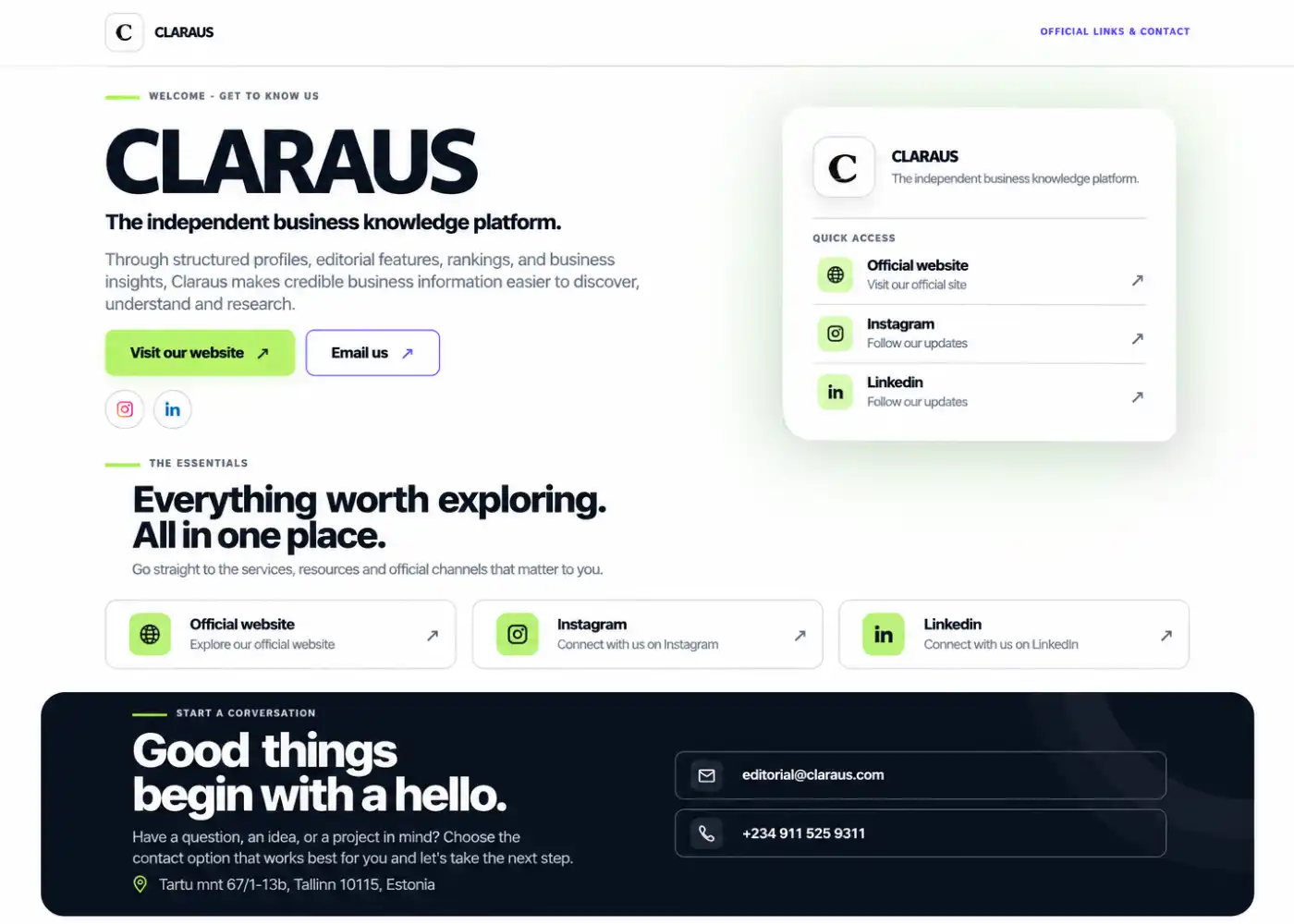
Your audience may discover you through a QR code, a social profile, a printed brochure or a direct message. A 1CLICK landing page gives that interest a focused place to go next, with the details and links you choose to present.
Instead of scattering essential information across multiple destinations, organise the most relevant parts of your business into one mobile-friendly page.
See how QR codes connect people to your pageBuild a concise destination around what your audience needs to understand, explore or do next.
Introduce your business with a profile name, headline, description, logo and visual theme so visitors can quickly understand who they have reached.
A consistent first impression ↗Bring the website, service pages, social profiles and other supported destinations you want visitors to discover into one organised place.
Less searching, clearer choices ↗Structure the page around the action that matters for your audience, such as visiting your website, exploring an offer or contacting your team.
Purposeful calls to action ↗Shape the destination first. Then put it in front of the people you want to reach.
Decide what the visitor should understand or do after arriving. That purpose should guide the page headline and its primary action.
Use the editor to provide the available profile details, description, logo, theme, links, social profiles and contact information.
Choose an available slug and, where supported by your setup, associate the page with the relevant QR code.
Check the page on a phone, test each link, publish when ready, then share its URL or use it as the destination for a QR code.
Keep the roles clear. Your landing page is the destination; a QR code is one way to take someone there. Whether a printed code can point to an updated destination depends on how that code was created and configured.
Give each audience a relevant starting point, whether they meet your brand online or in the real world.
Bring your introduction, services, contact routes and website together for prospective customers.
Share a concise professional presence with links to your work, profiles and preferred contact channels.
Connect flyers, product packaging, event materials or displays to a useful digital destination through a QR code.
Give them a clear place to learn about your business, explore the links that matter and decide how to connect with you.