Give every QR code a purpose
Connect printed and digital materials to the web destination that supports your goal.
1CLICK brings branded QR codes, digital business cards and mobile landing pages into one practical workspace—so customers, contacts and audiences have a clearer next step.
A QR code is most useful when it takes someone somewhere worth visiting. 1CLICK helps businesses create the code and shape the digital destination around it, whether that means a website, a landing page or 1Click digital business card.
Bring key brand touchpoints into a more organized workflow instead of treating every connection as a separate task.
Start with 1CLICK →Connect printed and digital materials to the web destination that supports your goal.
Use digital destinations and contact cards that feel more intentional than a plain list of links.
Give customers and professional contacts a convenient way to reach the information they need.
Manage QR-related work in a focused workspace as your needs develop.
Choose the tool that fits the connection you want to make, then build from there.
Create a QR code for your business and use it wherever you need people to connect with your website, explore your offers or take action. With 1CLICK, one QR code makes it easier to connect customers to the information and experiences that matter most.
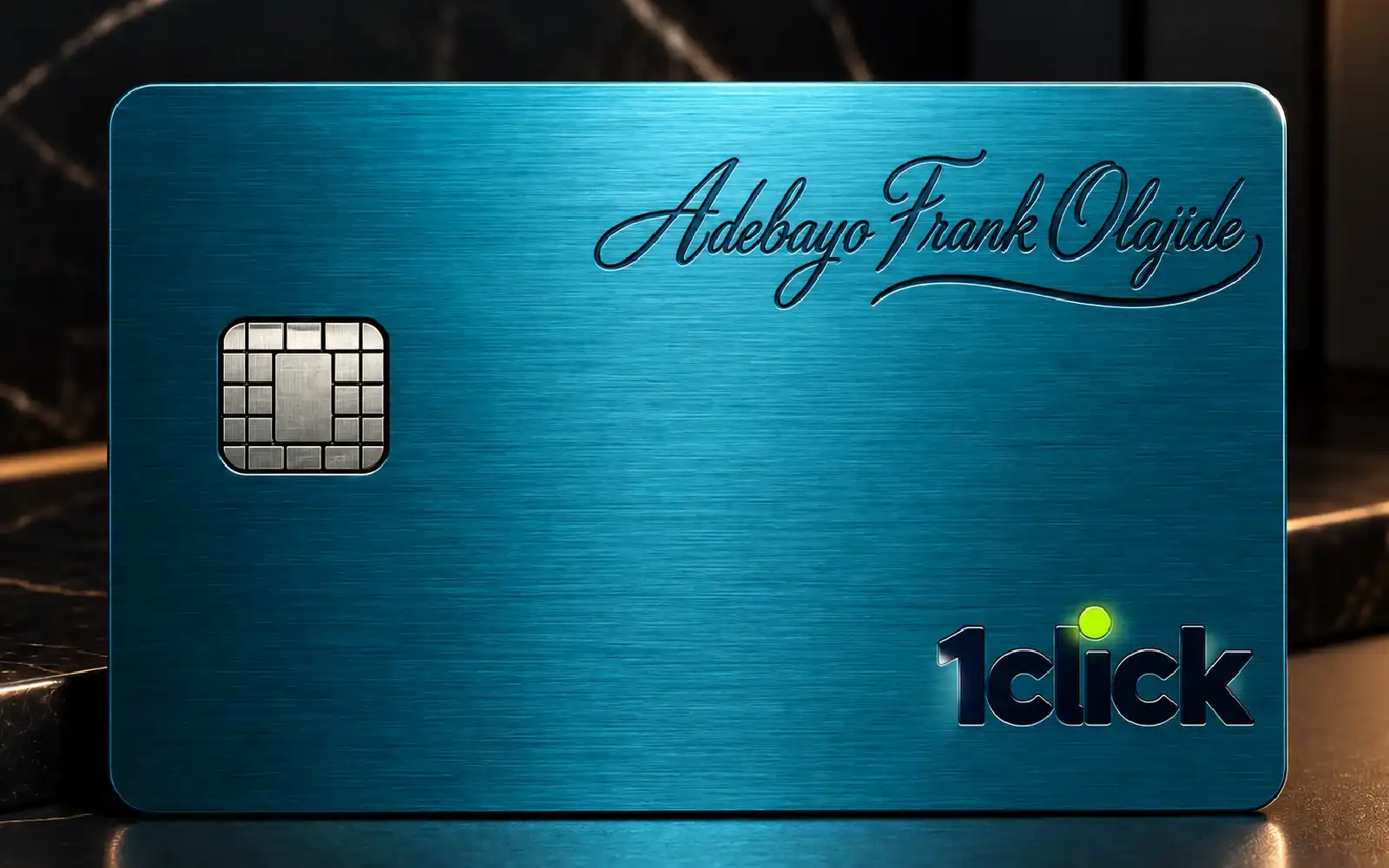
Explore QR code tools →Carry one digital business card wherever you go and present it whenever someone asks for your contact or business details. Instead of carrying stacks of paper business cards, let people scan your single 1CLICK card to access your professional information conveniently, making every connection simpler and more modern.
Explore digital business cards →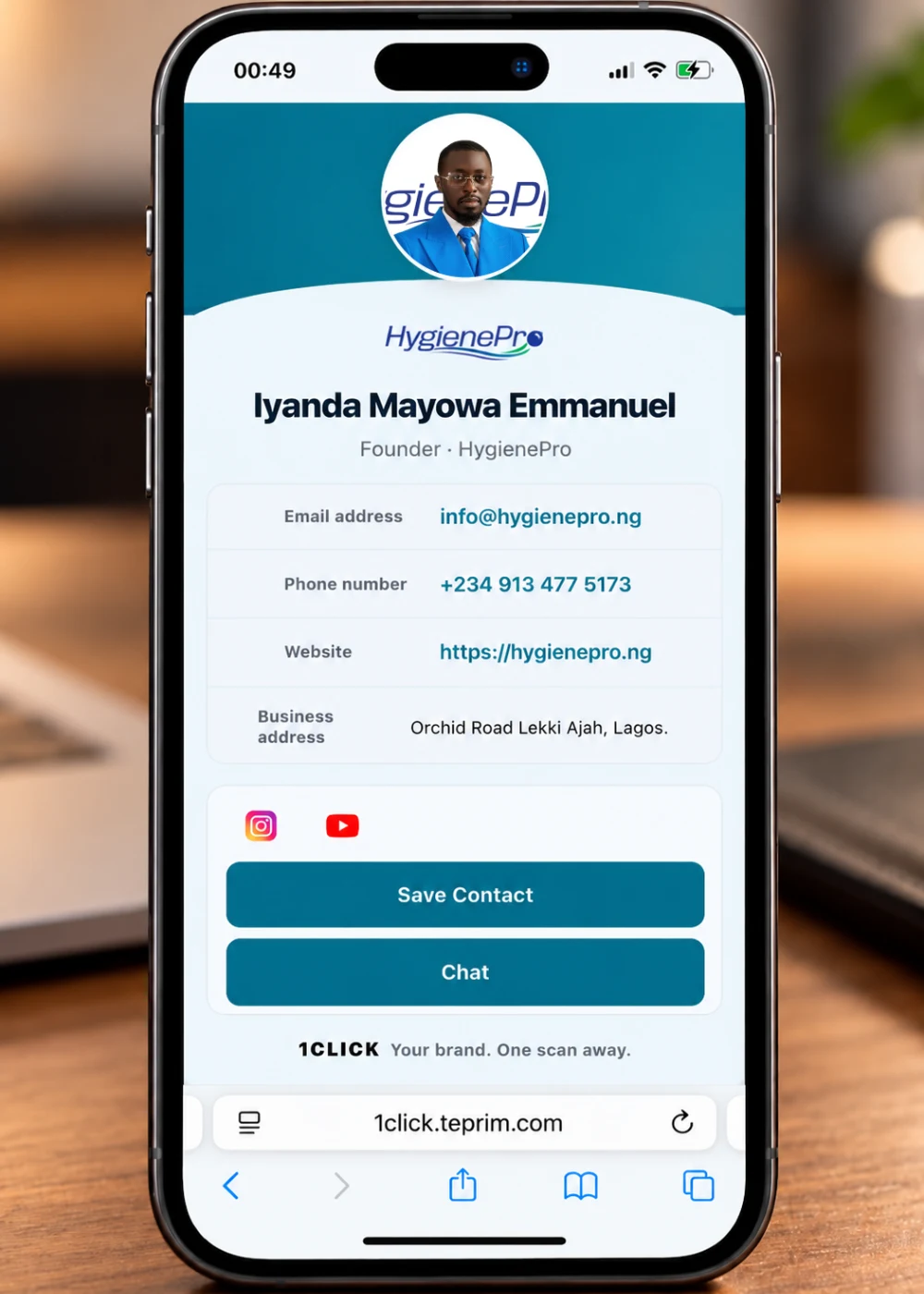
Give your digital business card a mobile-friendly landing page where people can view your professional details, explore your social links, access your contact information and connect with you.
Explore digital business cards →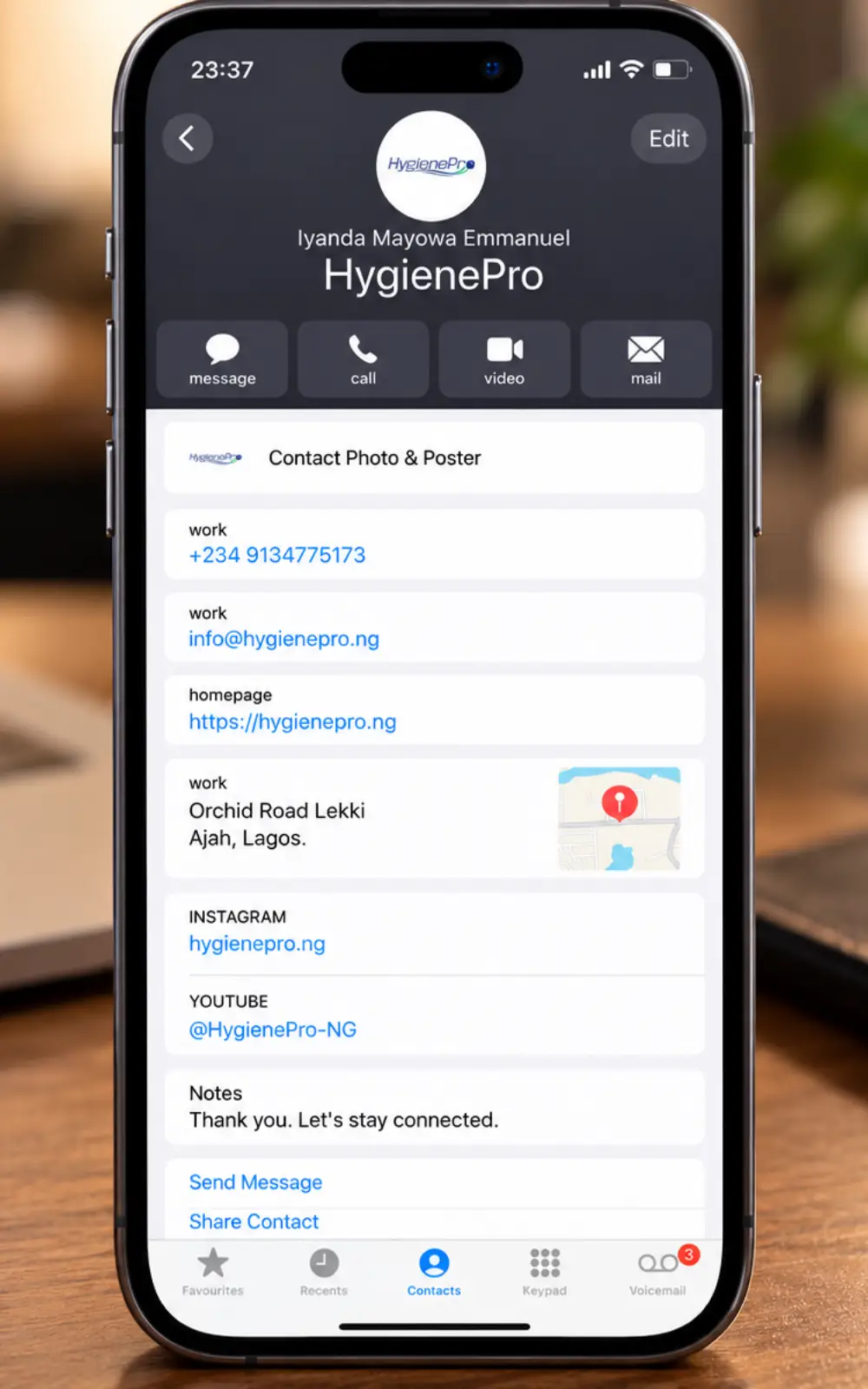
Help people move from viewing your details to saving your contact information, making follow-up more convenient.
Create a digital card →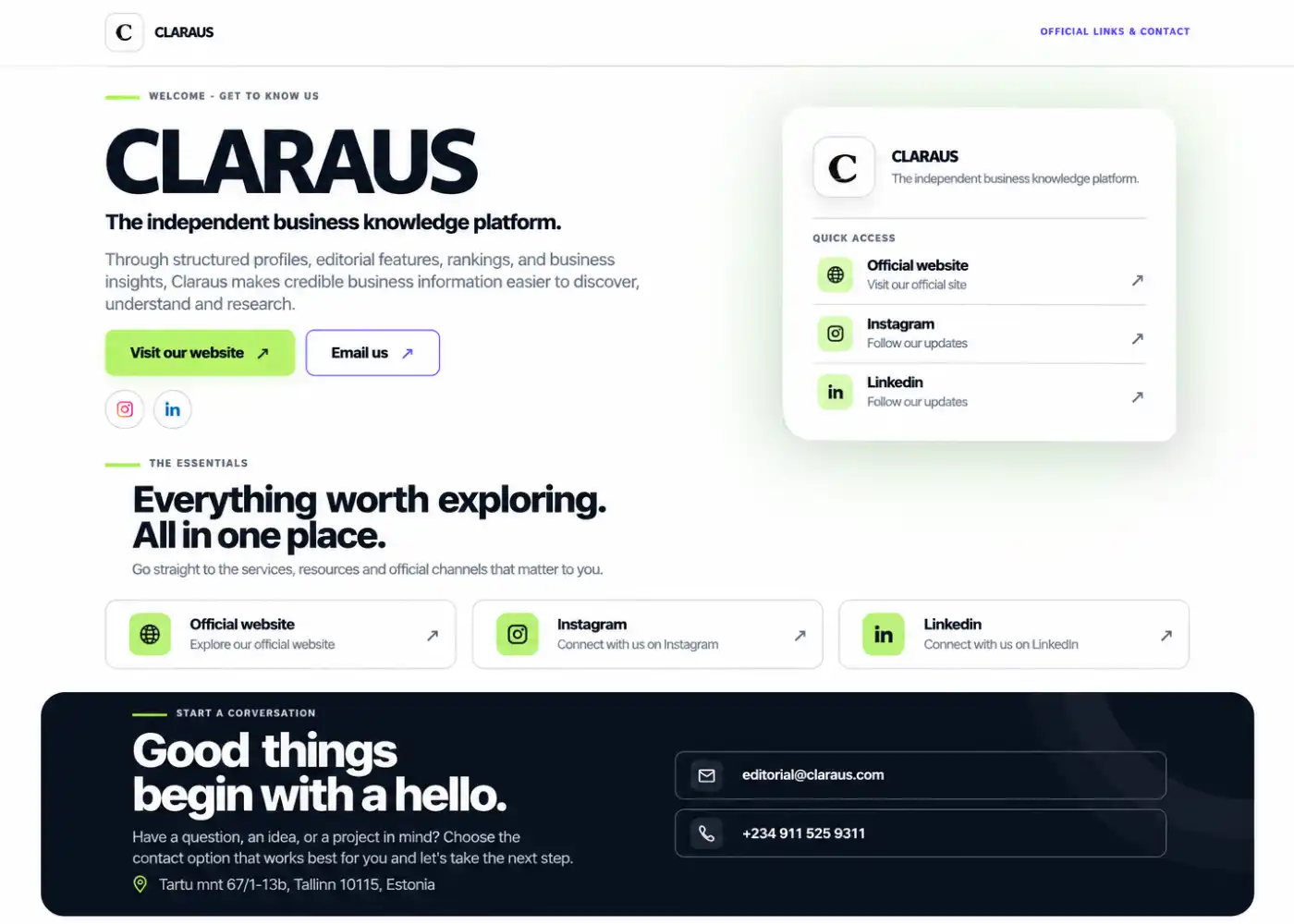
A well-designed landing page helps people understand your offer and decide what to do next. With 1CLICK, you can bring important information, useful links and calls to action together in a focused, mobile-friendly landing page designed to guide visitors towards your desired action.
Make useful information easier to access wherever people encounter your brand.
Make your marketing materials work harder with 1CLICK QR codes on flyers, brochures, product packaging and campaign materials. Give people an easy way to scan and access your offers, explore important information or take the next step, connecting your offline marketing efforts to the online experiences that drive engagement and action.
Keep your 1CLICK digital business card ready whenever you need it, whether as your phone’s lock-screen wallpaper or as a physical card ready to be scanned. At meetings, conferences and networking events, exchange your professional details in seconds without searching through your phone or carrying stacks of paper business cards.
Make it easier for customers to find the information they need with 1CLICK QR codes that lead to a mobile-friendly destination. Let them scan to access your service details, explore important links, find contact options and take the next step whenever they need your business.
Start with the outcome you want for your audience and select the 1CLICK tool that supports it.
Decide whether you need a QR code, a digital business card or a landing page.
Set up the relevant destination and available design details in the appropriate 1CLICK tool.
Check the result on a phone before sharing it through the channels your customers and contacts use.
Quick answers about the platform and how businesses can use it.
1CLICK is a web-based business platform for creating QR codes, digital business cards and mobile landing pages. It helps businesses connect people with useful online information and contact details.
A 1CLICK Digital Business Card is a convenient, reusable alternative to carrying stacks of traditional paper business cards. Carry your physical card wherever you go and present it whenever someone asks for your contact or business details, allowing them to scan and access your professional information. You can also keep your digital business card readily available as your phone’s lock-screen wallpaper, making it easy to exchange contact details whenever and wherever you need to.
You can create QR codes for supported web destinations, such as a website or campaign page. Before printing or distributing a code, scan-test it and confirm that the destination works as expected.
1CLICK is accessed through the web, so you can use the platform in a compatible browser. Individual features may depend on your account and the tools available in your workspace.
Create a 1CLICK account, open the tool that suits your needs and follow the on-screen steps. You can start by generating a QR code, creating a mobile landing page or setting up your digital business card, ready to use as a physical card or your phone’s lock-screen wallpaper.
Bring your QR codes, digital contact details and branded destinations together with 1CLICK.