01
Create your digital card
Choose a design and add the professional details you want to share, such as your name, job title, company, phone number, email address, website and social links.
1CLICK Digital Business Cards
Create a digital business card that brings your contact details, professional information and social links together in one convenient profile. Share it when you meet someone, display its QR code on your phone, and make it easier for people to connect with you.
One shareable profile for the details you want people to have when they meet you.
Simple by design
Set up your professional profile, share it with the people you meet, and give them a convenient way to access your details.
Choose a design and add the professional details you want to share, such as your name, job title, company, phone number, email address, website and social links.
Let someone scan your code to open your published digital card. You can also display the code on your phone or use it when networking in person.
Visitors can use the available contact-saving option on your published card to save supported contact information to their device.
See the experience
From your digital profile to sharing your QR code, 1CLICK brings your professional identity closer to the people you meet.
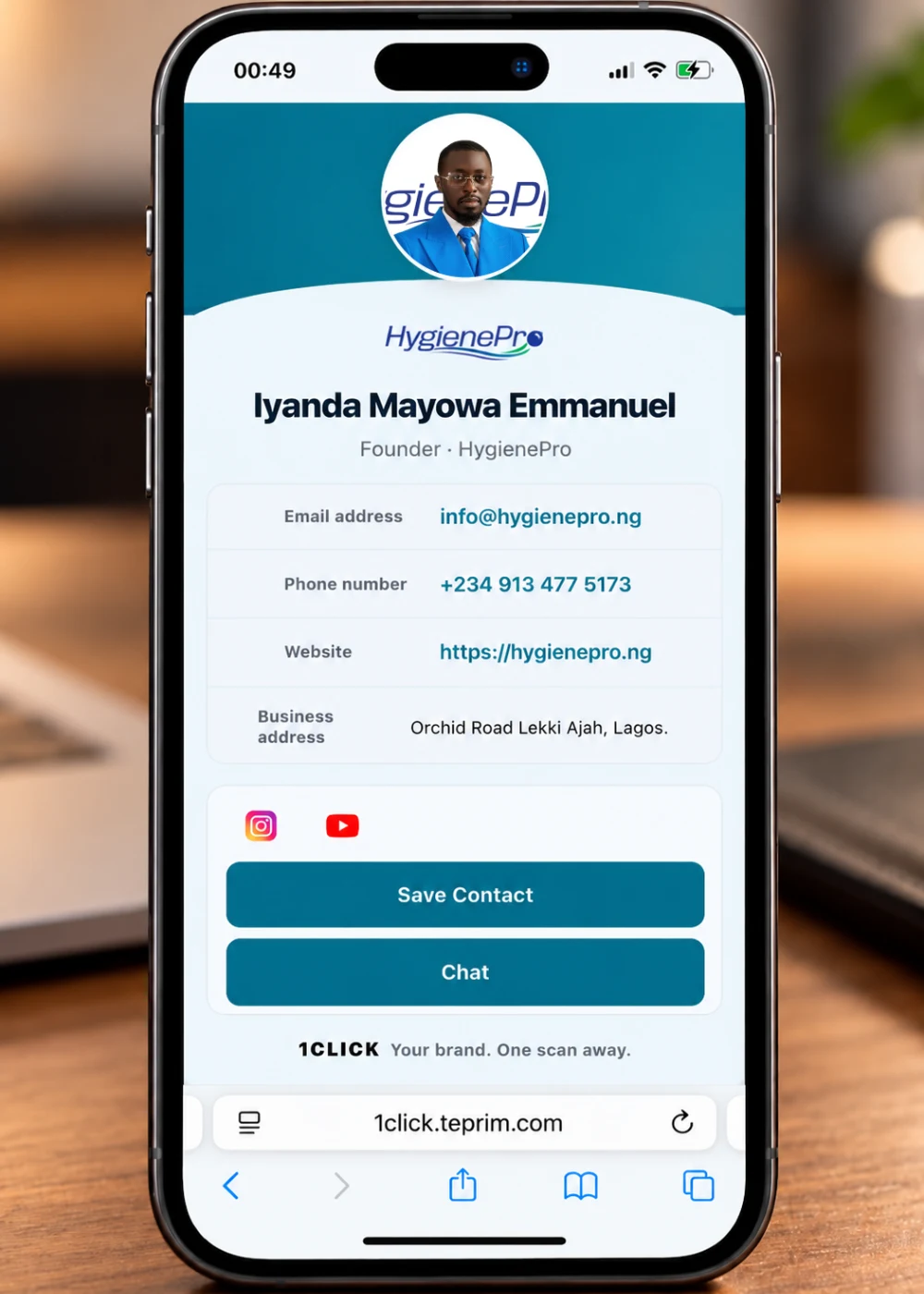
Present your professional identity and the contact details you choose to include.
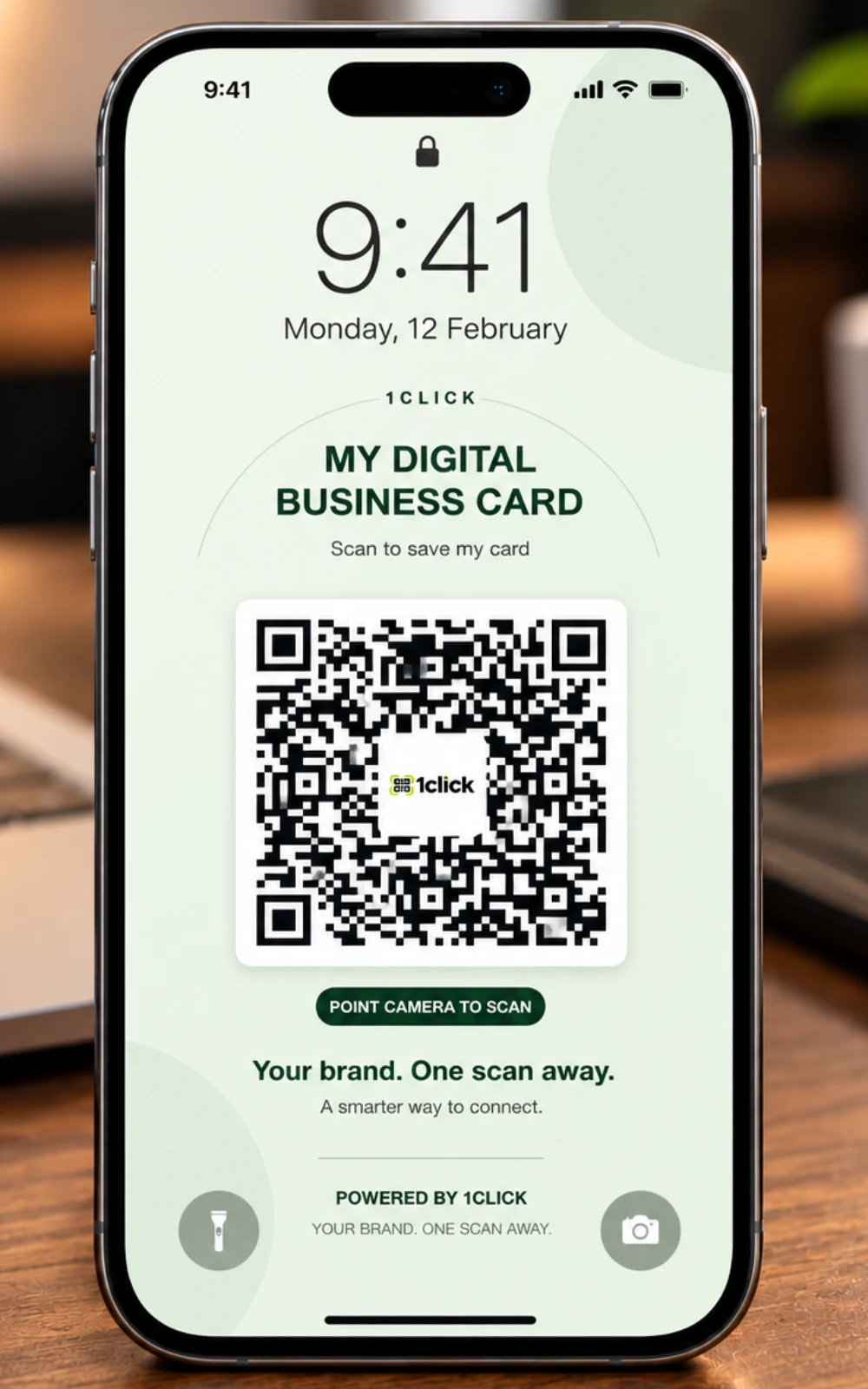
Keep your card's QR code accessible on your phone so you can show it when an opportunity comes up.
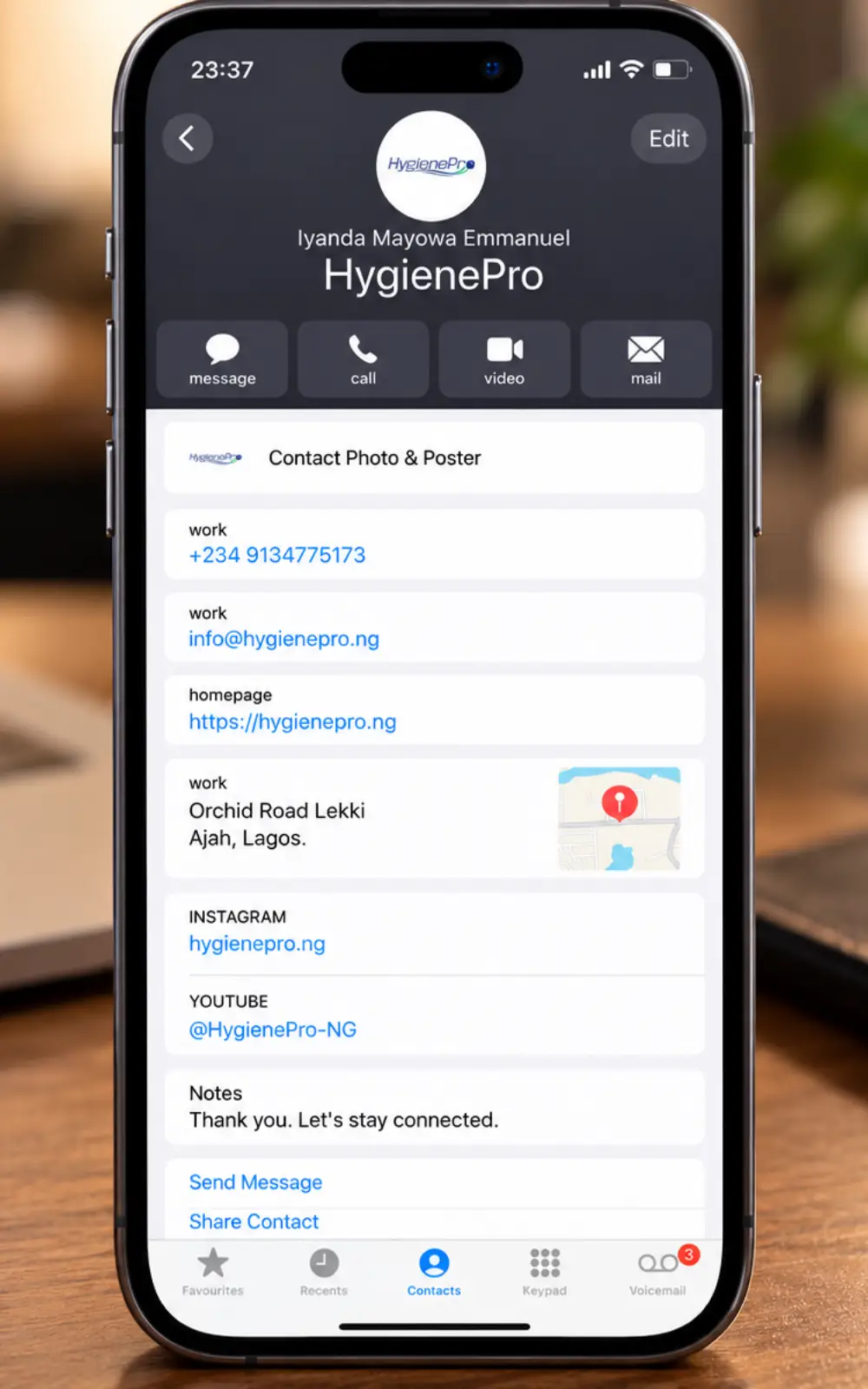
Make it easier for people to save supported contact information from your digital card.
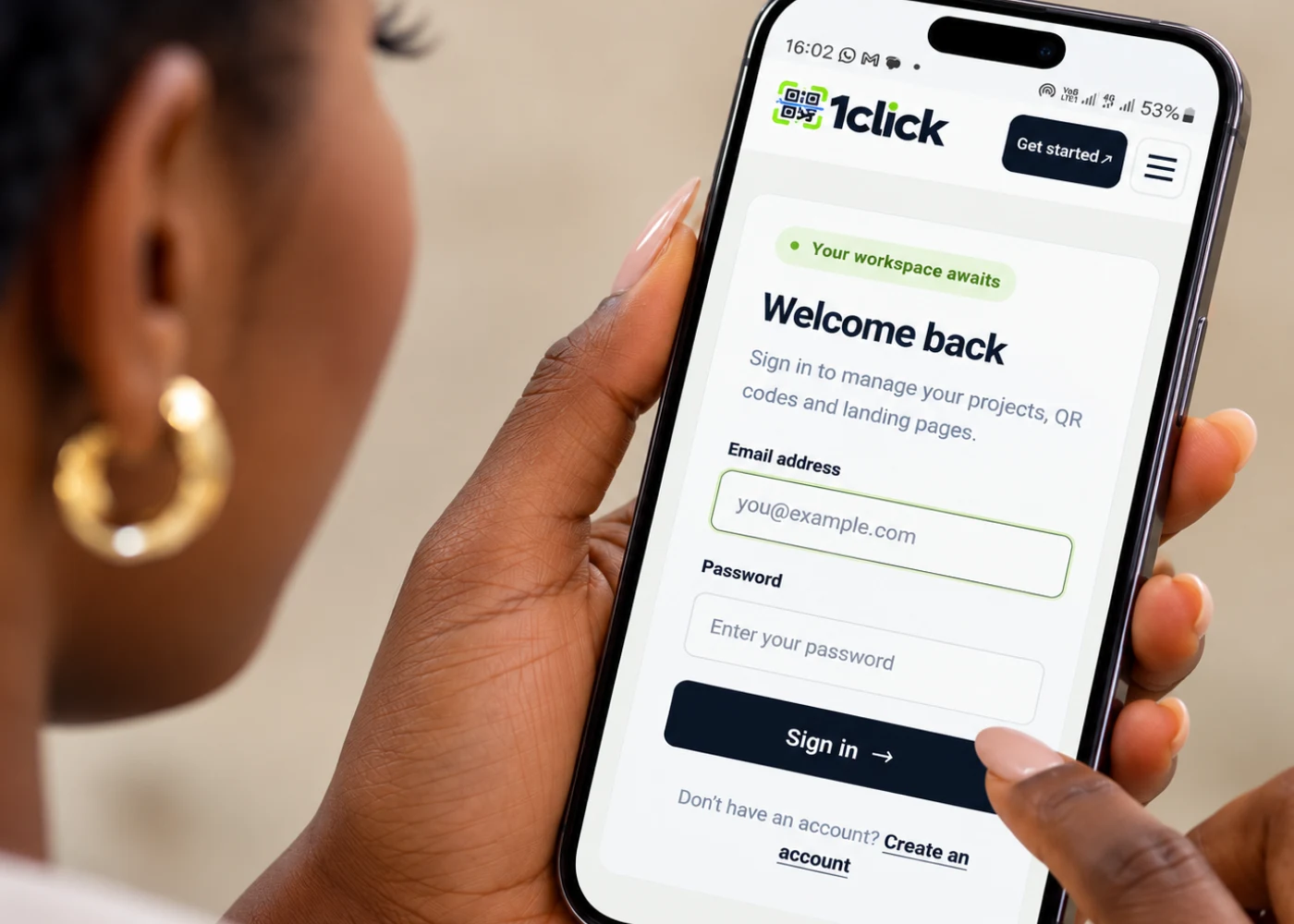
Access the platform and follow the existing digital business card creation workflow.
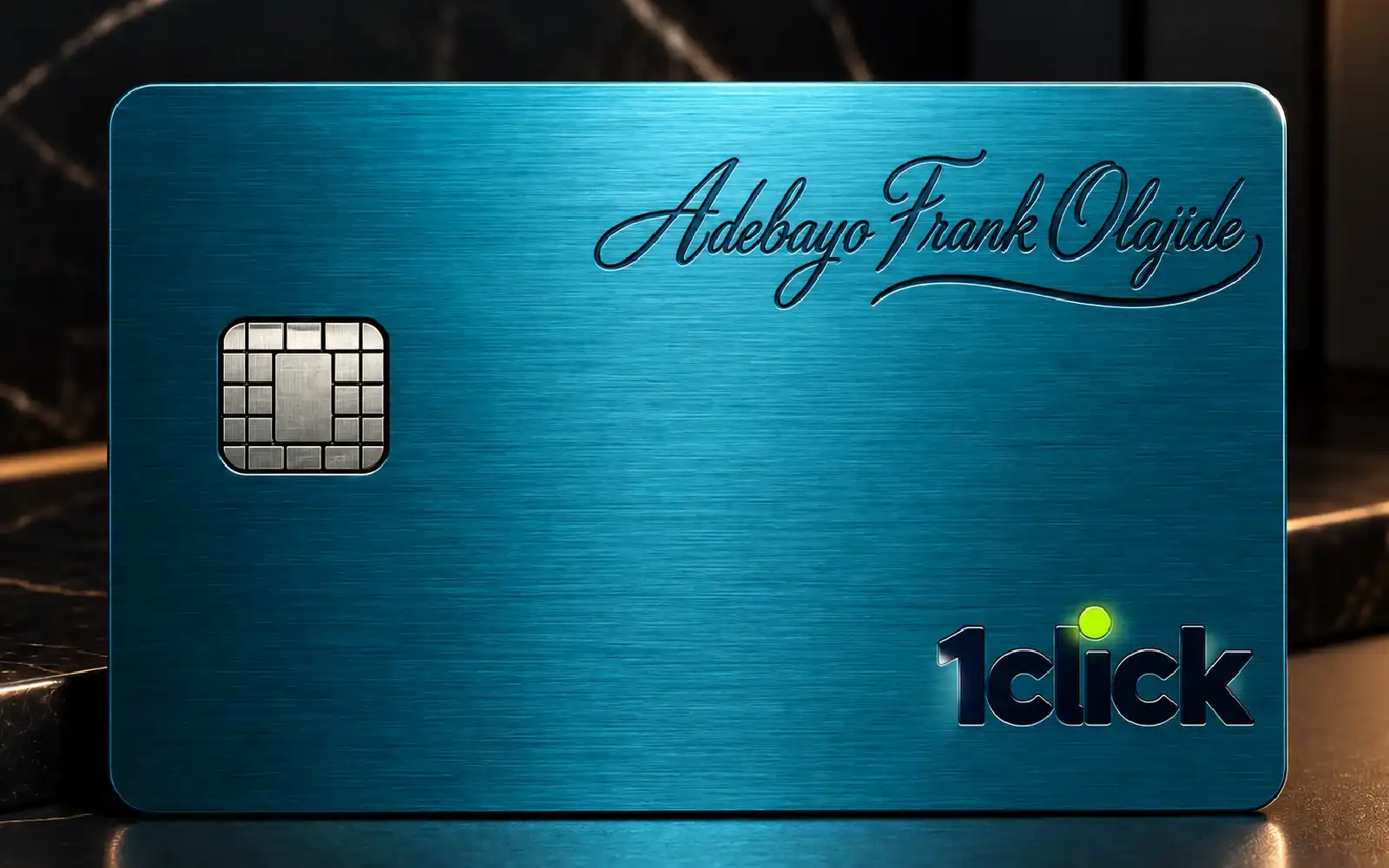
Explore the physical-card concept alongside your digital networking experience.
Built for everyday networking
Whether you run a business, work independently, lead a team or build professional relationships, your contact information should be easy to share and easy to find.
Give people a single profile to visit for the contact information, business details and links you have chosen to publish.
Use your QR code at meetings, events, business introductions or other moments when you want someone to find your profile.
When you update the same published card and keep its URL, the QR code pointing to that URL can continue to be used. You do not need a different QR code simply because the profile details change.
Give clients, colleagues and potential partners a convenient way to access the professional information you want them to see.
Digital first. Physical possibility.
Your digital business card is designed for convenient sharing. We are also showcasing a physical-card concept for people who like having something tangible to hand over during a meeting or introduction.
Physical card ordering is not available yet. This button will remain inactive until an ordering process is ready.
Frequently asked questions
A few answers about creating, sharing and maintaining your 1CLICK digital business card.
Your brand. One scan away.
Create your digital business card and give people a convenient way to connect with you after you meet.
One card. Every detail. Always within reach.